Time off

Time off requests that don’t get lost in messages.

“Can I have Friday off?” scrolls away in WhatsApp, and who has how many days of annual leave left lives in a notebook. In Shiftrio, time off and swap requests come into one list; you’re warned before putting someone on leave on a shift, and the annual leave balance goes down by itself.

Free for up to 10 people · Every feature on every plan

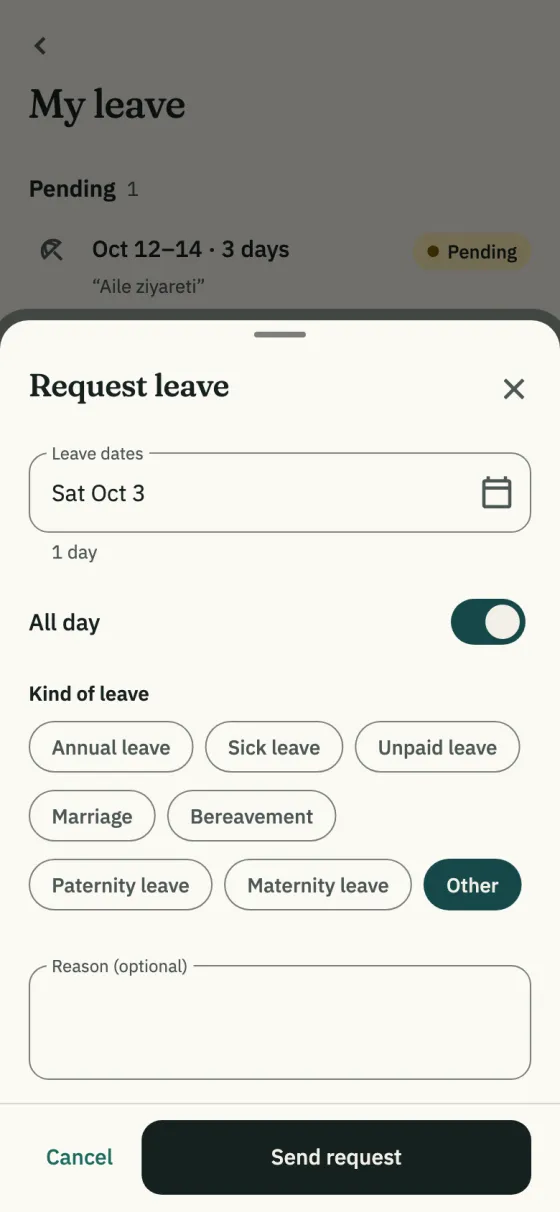
The Request leave sheet: dates, the All day switch, the kinds of leave (annual leave, sick leave, unpaid leave, marriage, bereavement, paternity leave, maternity leave, other) and a reason

What it does

Every request in one list

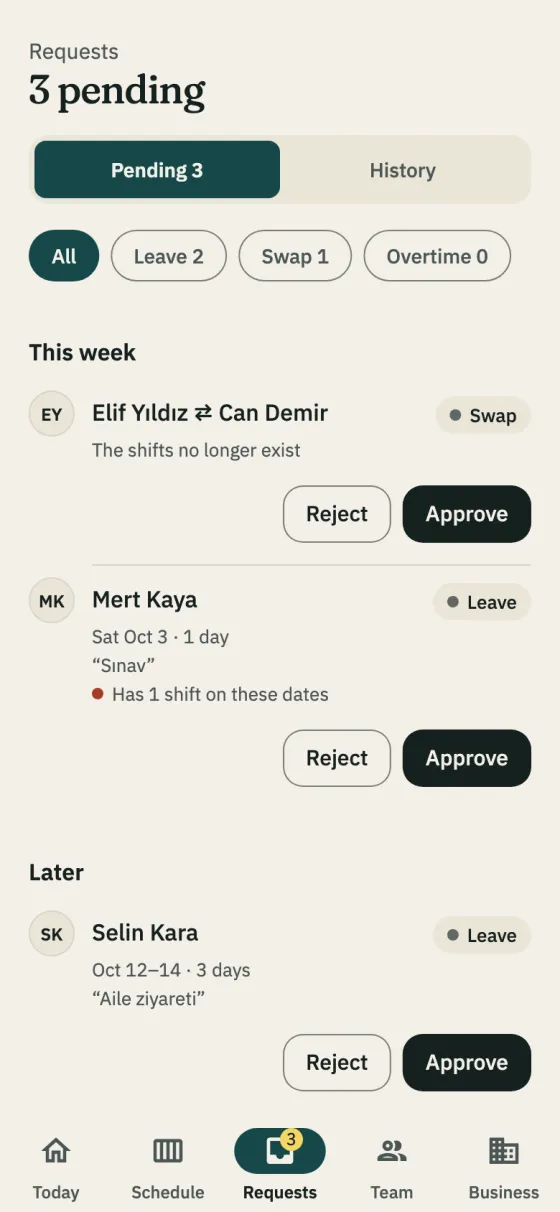
Leave, swap and overtime requests come in one list by week, with a filter for each kind, and the badge on the tab shows how many are waiting. If the person has shifts on those days you’re warned, and when you approve you can unassign the shifts or open them to the team. When you reject, the person sees your reason.

In the app: Requests tab

The Requests tab: 3 pending, a swap and two leave requests, with Approve and Reject buttons

The schedule changed, so can the leave

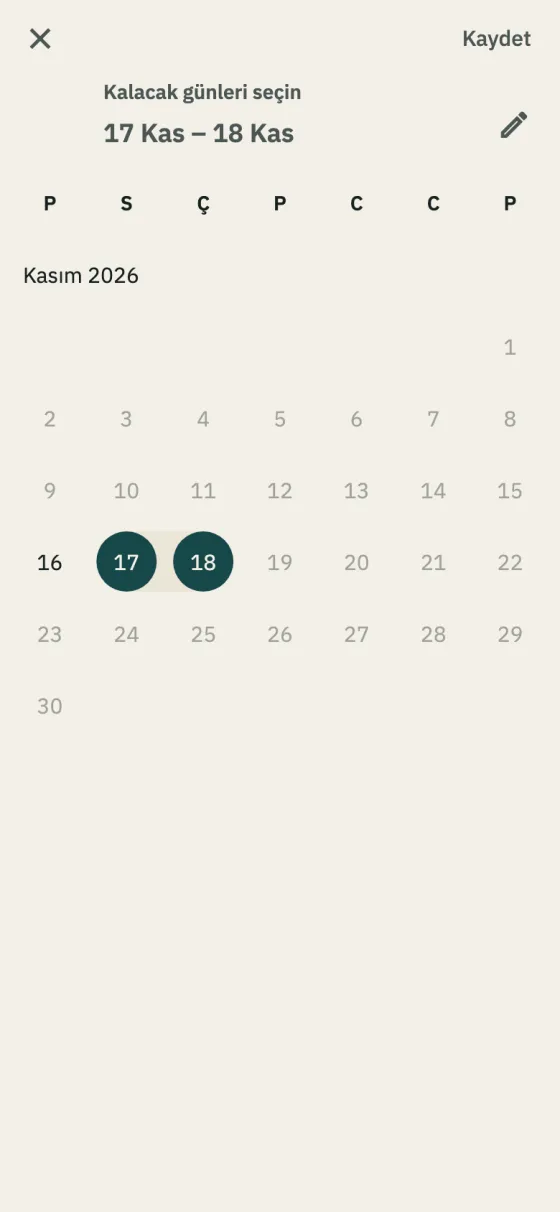
Shorten or cancel approved leave on the calendar; before you confirm, you see which days are cancelled and how many go back to annual leave, and the employee is told. Employees can pick the days to keep with Ask for a change and send it to you.

In the app: Business → Leave → Change leave

The Change leave calendar, November 2026, shown in Turkish: on leave from 16 to 18 November, only the 17th and 18th picked

Annual leave entitlement and days left

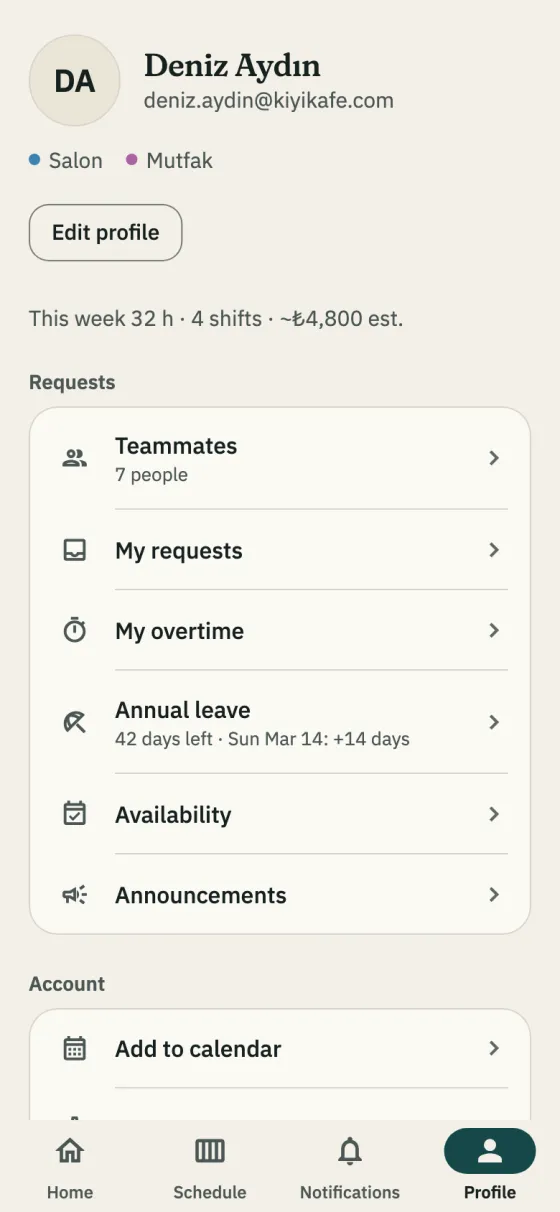
Enter a start date and the entitlement follows the legal minimum in Turkey by length of service, added on each work anniversary. Approved full-day annual leave is taken on the company’s working days; full-day public holidays and the weekly day off aren’t taken (half-day eves are). Employees see their days left on their profile.

In the app: Profile → Annual leave

An employee’s Profile tab: the Annual leave row with the days left and the date of the next entitlement

Swaps: the coworker first, then you

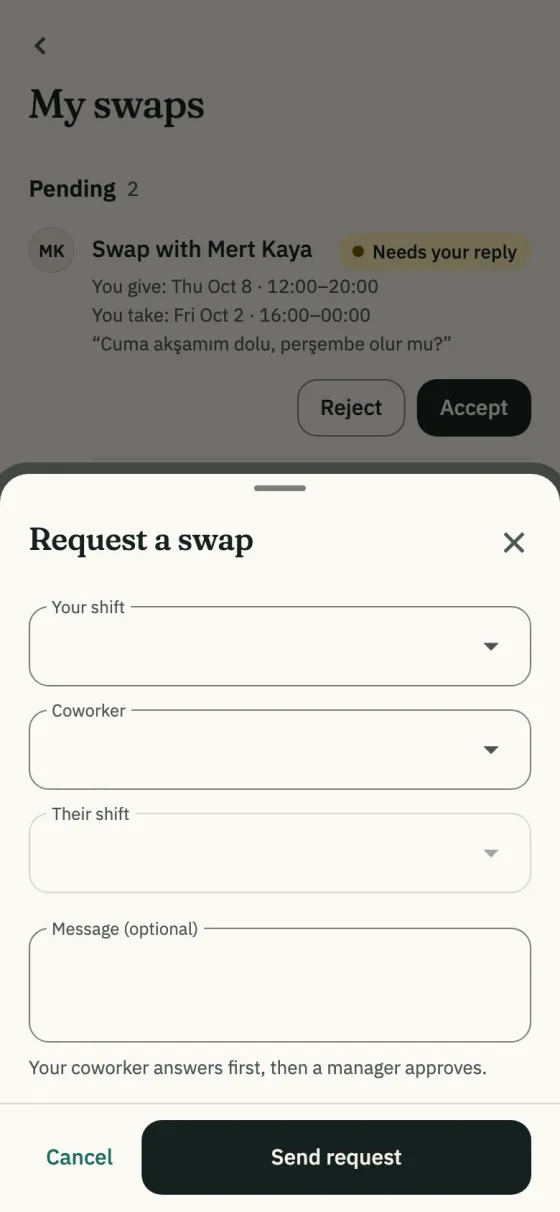
An employee picks the shift they give, the coworker and the shift they take. The coworker accepts first, then you approve, and the two shifts trade places in one step.

In the app: Home → Request a swap

The Request a swap sheet: your shift, coworker, their shift and a message

How it works

  1. Turn on annual leave

    Under Business → Company settings → Features, turn on Annual leave tracking, then enter everyone’s start date under Annual leave.

  2. Staff ask

    They pick the kind of leave and the dates or hours and send the request, with a warning if they have shifts then.

  3. You decide

    Approve or reject with a reason on the Requests tab; the employee is notified.

  4. The schedule stays right

    Employees see their leave in their own Schedule (Month view); you’re warned before putting someone on leave on a shift or publishing over it, and auto-fill skips them.

Read on

Step by step in the guide

Questions

How do I keep track of staff leave?
Keep each request’s dates, kind and decision in one place, and follow each person’s annual leave: what they’re owed, what they used and what’s left. In Shiftrio requests come from the app, approving is one tap, and the annual leave balance is worked out for you.
What kinds of leave are there?
Annual leave, sick leave, unpaid leave, marriage, bereavement, paternity leave, maternity leave and other. Leave of a few hours works too; hourly leave isn’t taken from annual leave.
How is annual leave worked out?
By the minimums in Article 53 of Turkish Labour Law No. 4857: 14 days from 1 to 5 years, 20 days from 5 to 15 years, 26 days from 15 years. The 20-day minimum for people aged 18 or under, or 50 or over, isn’t applied by itself; you enter their entitlement. It is a calculation aid, not legal advice. Annual leave tracking is for companies in Turkey.
Can I undo approved leave?
Yes. Change or cancel it; days taken from annual leave go back and the employee is told. Days before today can’t be changed.
Can the same person get two leaves on the same day?
No. The app won’t save a second leave for the same person in the same branch on the same day or hours; two hourly leaves at different times of one day are fine.
Does leave tracking cost extra?
No, it is on every plan. Shiftrio is free for up to 10 employees; the plans for bigger teams are on the pricing page.

Getting started

Free for up to 10 employees. Leave tracking included.

Download the app, add your business and invite your team on WhatsApp. No computer needed to set it up.

Free for up to 10 employees. Every feature on every plan. iPhone and Android.