- What is a time clock app?
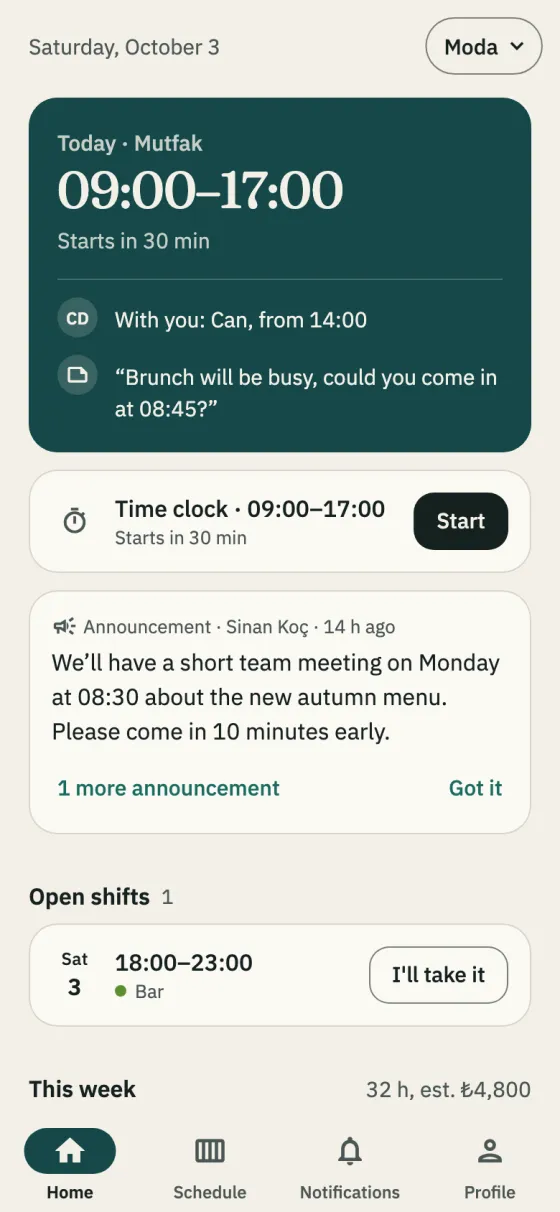
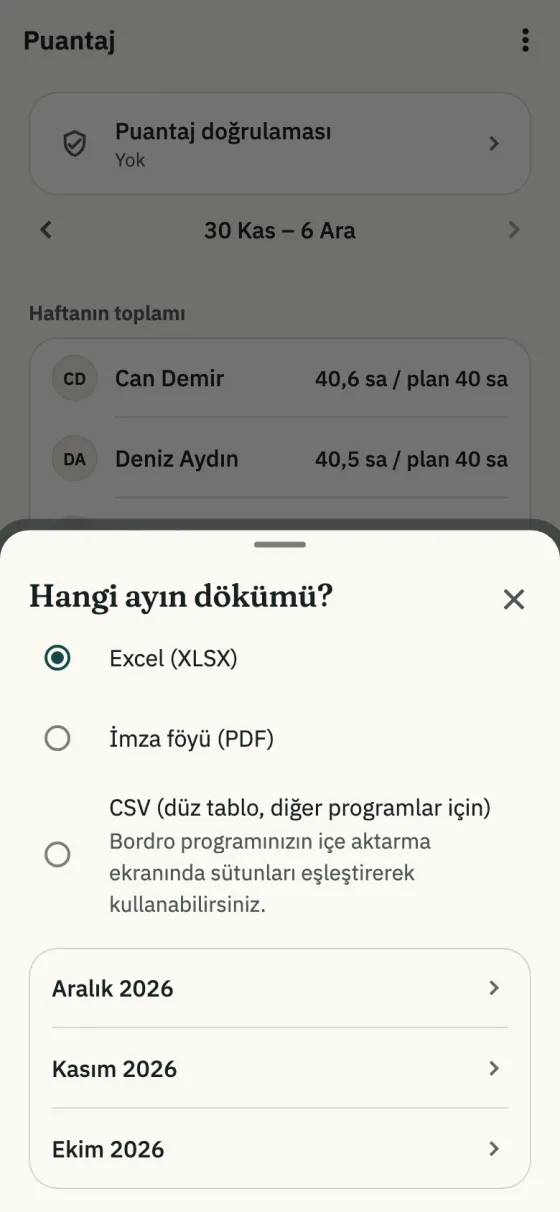
- An app that records when employees start and finish work. In Shiftrio the time clock is part of the scheduling app: staff start and finish their own shift, the real hours go next to the schedule, and the monthly timesheet is ready at month-end.
- Can someone clock in when they are not at work?
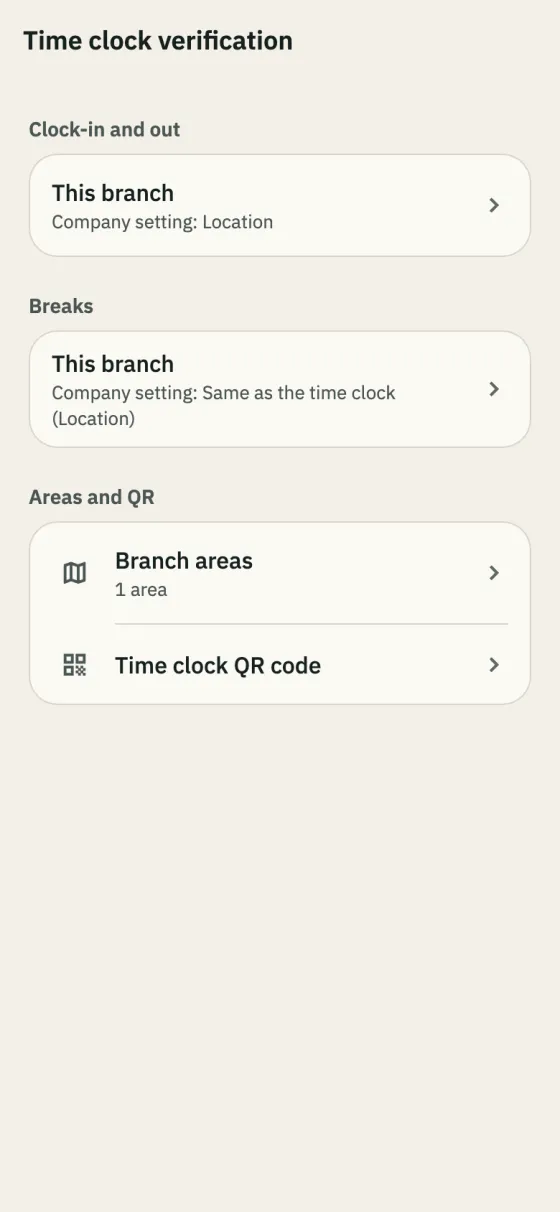
- If you chose no check, a tap is enough. With QR code they scan the code posted at the branch; with location they must be inside the area you drew. If a fake location app seems to be on, the time isn’t recorded.
- Is the employee’s location tracked all the time?
- No. Location is read only if the branch checks by location, and only when Start, Finish or a break button is tapped. The app doesn’t track location in the background.
- Does the time come from the phone?
- No, from the server; changing the phone’s clock doesn’t change the record. Staff can start up to an hour before the shift and finish up to six hours after it ends.
- What if someone forgets to tap Start or Finish?
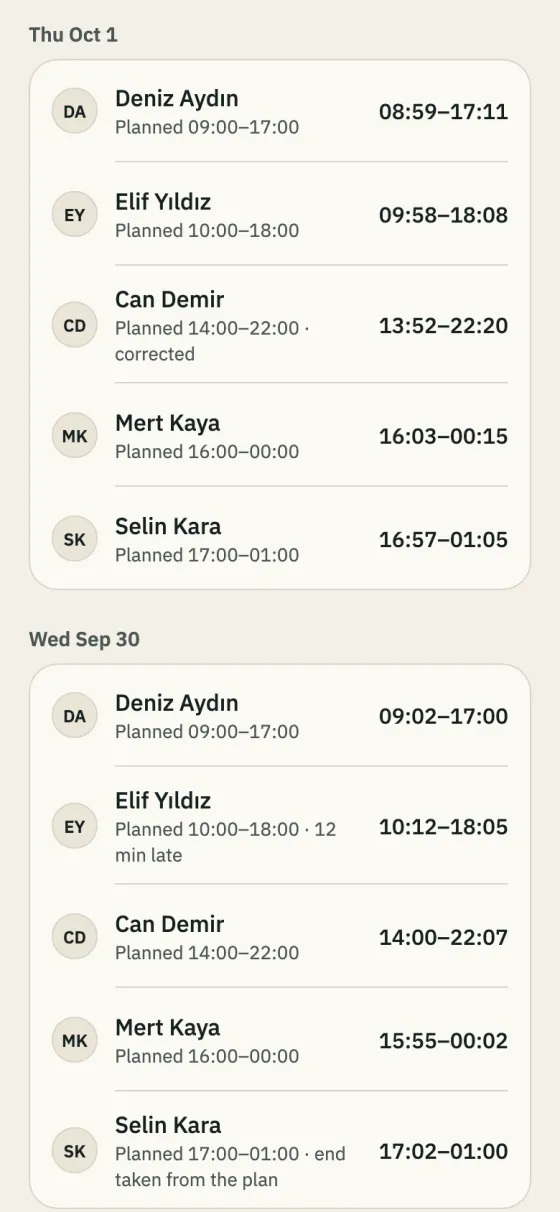
- Managers hear about a shift nobody started 10–15 minutes after it began. If Finish is forgotten, the end is taken from the plan and marked that way. Managers can correct any time; the change stays in the history, and the employee sees it on their own shift.
- How is the time over 45 hours worked out?
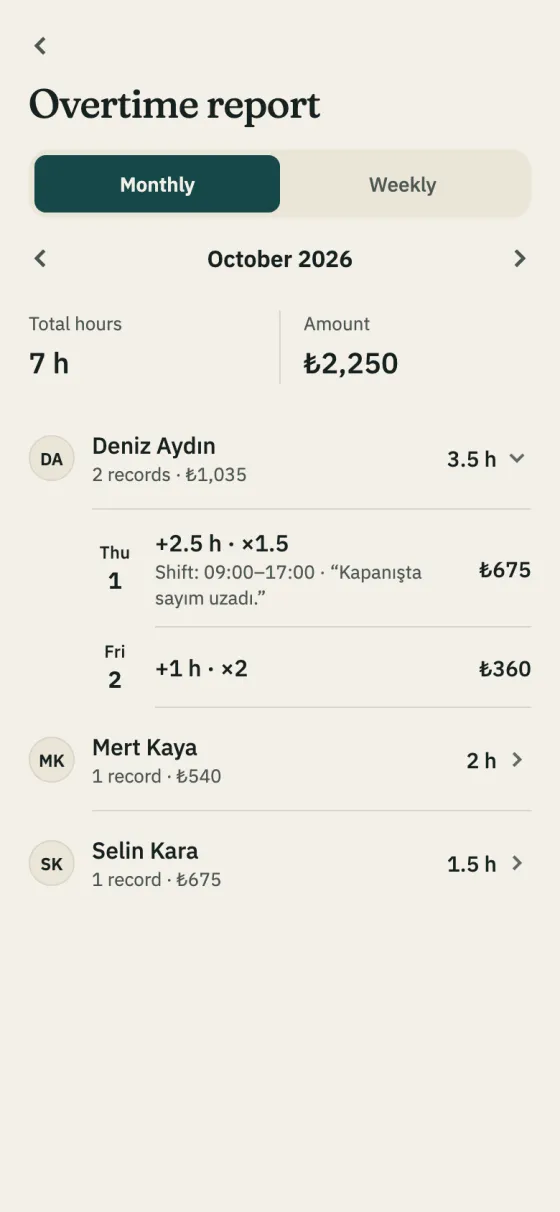
- It is the time past 45 hours in each week whose Monday is in that month; less than half an hour counts as half an hour, more as an hour. Real hours count in the weeks the time clock was used, the plan in the others, with published hours in the company’s other branches included. Where hours are averaged over a period, this time may not count as overtime (Turkish Labour Act art. 41). It is a calculation aid, not legal advice.
- Does the time clock cost extra?
- No, it is on every plan. Shiftrio is free for up to 10 employees; the plans for bigger teams are on the pricing page.